
Enriching LinkedIn contacts helps sales and marketing teams optimize their outreach by adding valuable, accurate data directly from LinkedIn profiles.
Evaboot simplifies this process using its LinkedIn URL Enrichment feature.
Enriching LinkedIn contacts means enhancing your existing contact data with valuable additional information such as verified email addresses, job titles, company details, and more.
This practice ensures your outreach is accurate, targeted, and effective, dramatically improving engagement rates.
In this comprehensive guide, I’m going to cover:
- How to Enrich LinkedIn Contacts?
- Benefits of Using Evaboot for LinkedIn Contact Enrichment
- Why Should You Enrich LinkedIn Contacts?
Let’s get into it.
How to Enrich LinkedIn Contacts?
Evaboot’s Bulk URL Enrichment feature makes enriching LinkedIn contacts simple and automated.
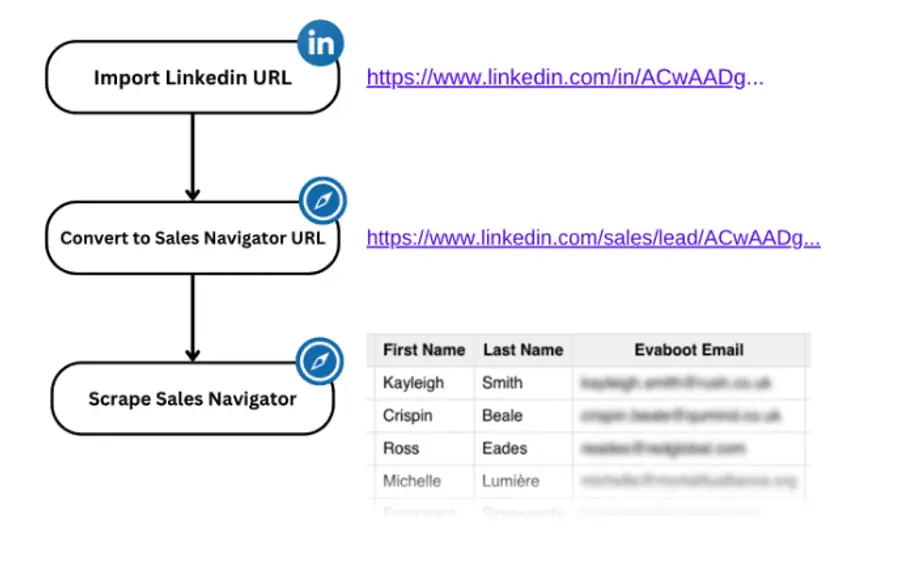
Here’s how to do it:
- Create an Evaboot account
- Collect LinkedIn Profile URLs
- Import URLs into Evaboot
- Name and launch your upload
- Export Your Enriched Data
1. Create an Evaboot account
If you don’t already have one, the first step is to to create an account on Evaboot.
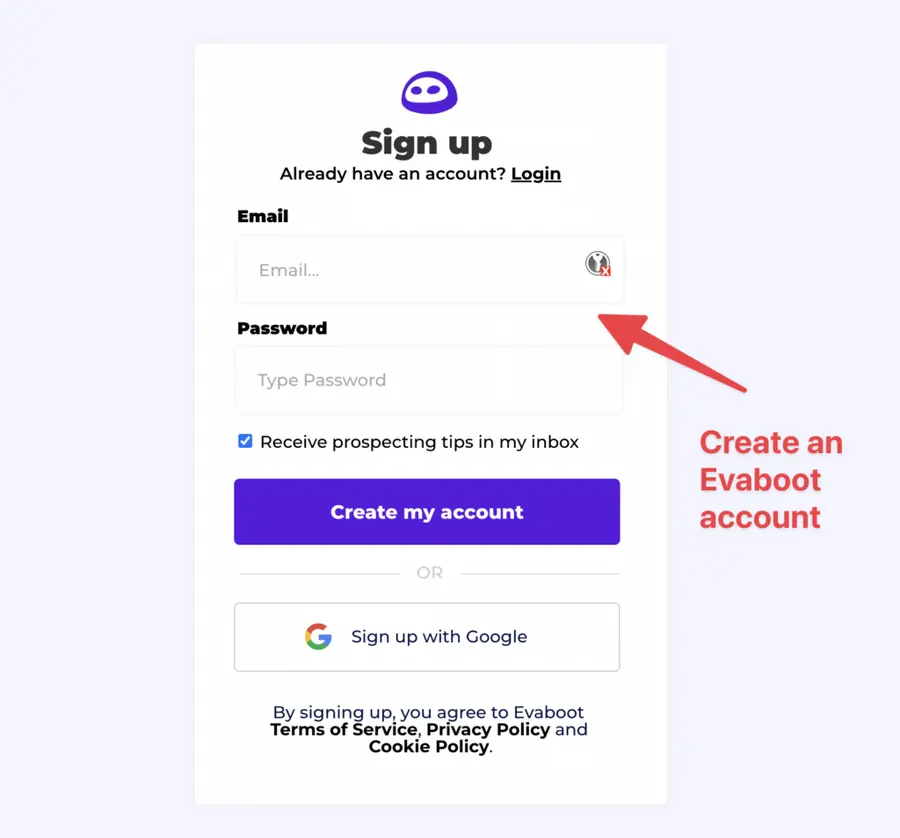
2. Gather LinkedIn URLs
Then, collect the LinkedIn URLs you want to enrich.
Common use cases for enriching LinkedIn URLs include:
- Updating an old Sales Navigator export
- Updating leads stored in your CRM
- Updating lead lists from clients if you are an agency
The URL Enrichment feature takes as input:
| Linkedin Profile Unique ID URLs | https://www.linkedin.com/in/ACwAADgSKTgBG1rXvNCRIb44opw_2XvX5ocaegI |
|---|---|
| Sales Navigator Profiles URLs | https://www.linkedin.com/sales/lead/ACwAADgSKTgBG1rXvNCRIb44opw_2XvX5ocaegI, |
| Linkedin Company Unique ID URLs | https://www.linkedin.com/company/71273401 |
| Sales Navigator Company URLs | https://www.linkedin.com/sales/company/9311503 |
The URL Enrichment feature does not accept public LinkedIn URLs:
| Linkedin Profile Public URLs | https://www.linkedin.com/in/enzo-colbachiny/ |
|---|---|
| Linkedin Company Public URLs | https://www.linkedin.com/company/ec-sistemas-srl/ |
The reason is simple: All enriched data comes from LinkedIn Sales Navigator, and to retrieve a profile’s Sales Nav page we need that profile’s unique ID code.
Public LinkedIn URLs don’t include the numeric ID, so they cannot be converted into a Sales Navigator URL.
But using the LinkedIn Unique ID URL isn’t just required for Evaboot, it’s also best practice for your CRM.
A public profile URL can be changed by the user at any time. If you’ve saved a public URL in your CRM and the person updates their LinkedIn handle, this URL will turn into a 404.
| Linkedin Unique ID URL | Linkedin Public URL |
|---|---|
| https://www.linkedin.com/in/ACwAADgSKTgBG1rXvNCRIb44opw_2XvX5ocaegI | https://www.linkedin.com/in/enzo-colbachiny/ |
| Can be uploaded on Evaboot | Can’t be uploaded on Evaboot |
| Never changes | Can be modified by user |
| Can be converted into Sales Navigator URL | Can’t be converted into Sales Navigator URL |
This will break your prospecting automations and your enrichment workflow.
On the other hand, a Unique ID URL will never change so you can store indefinitely in your CRM.
You can find out more details in this video:
3. Import URLs into Evaboot
Log into your Evaboot account and navigate to the URL Enrichment tab.
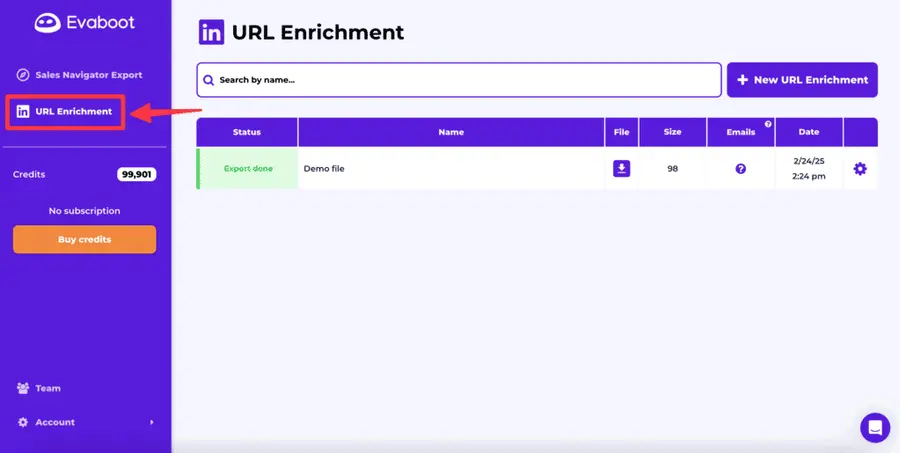
Click on “New URL Enrichment” next to the search bar.
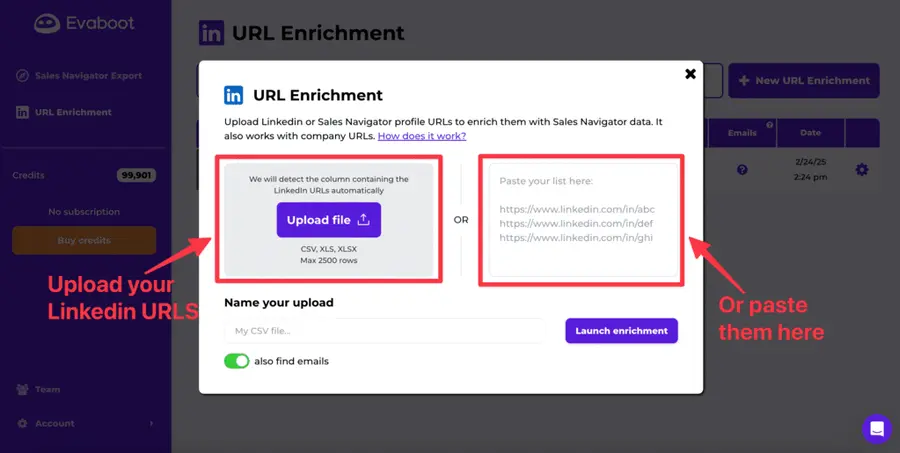
From there, you can either:
- Upload your file (CSV, XLS or XLSX)
- Or paste your list of LinkedIn URLs
Evaboot supports bulk imports up to 2,500 row, making it ideal for enriching large contact lists quickly.
4. Name and launch your upload
Enter a name for your upload.
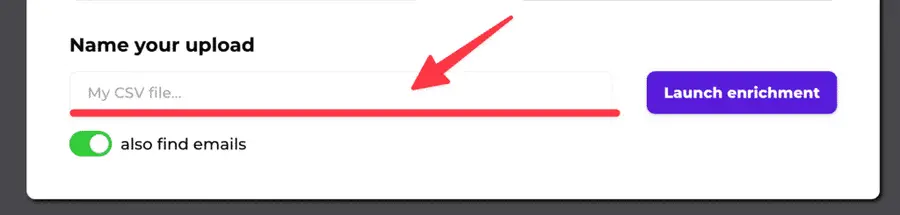
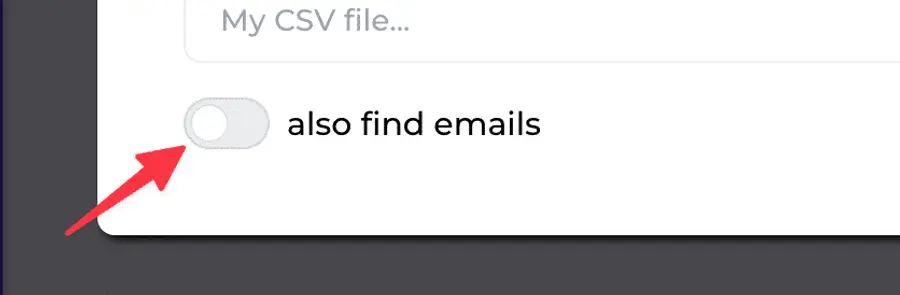
You can decide if you want to also find the professional emails of your contacts or not by clicking the toggle button below.
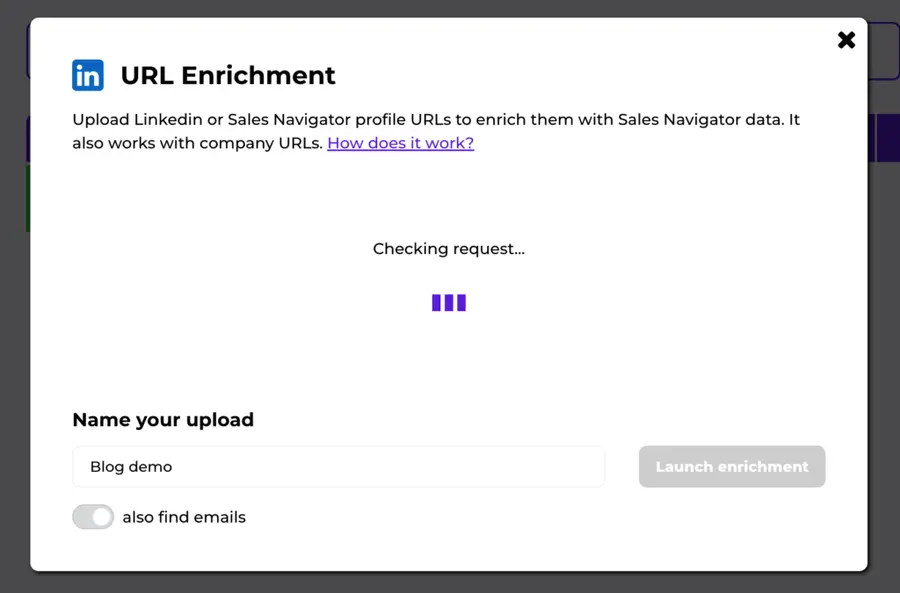
Now it’s time to click on the “Launch enrichment” button. Evaboot will detect the LinkedIn URLs you provided in a few seconds.
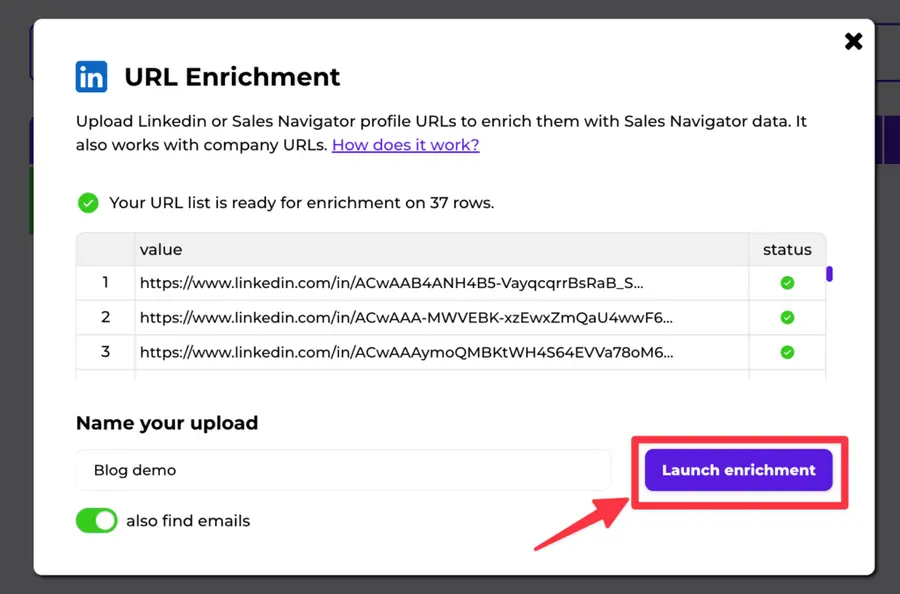
Once this is done, click again on “Launch enrichment”.
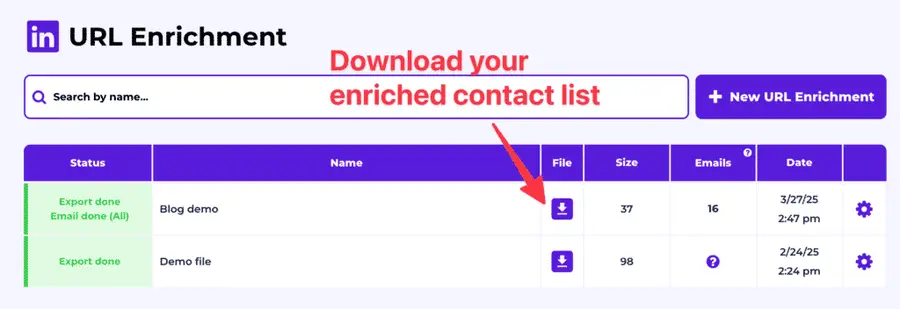
5. Export Enriched Data
The enrichment process will only take a couple of minutes to complete.
After that, download the results as a CSV file.
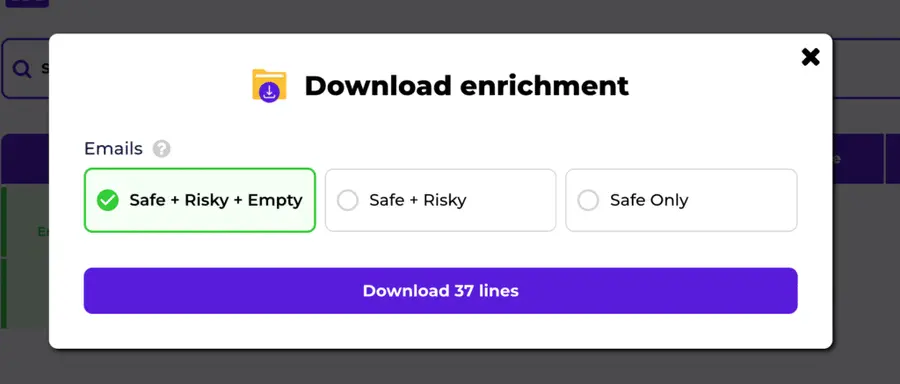
You can select if you want to download all the leads (safe + risky + empty), only the leads with emails (safe + risky) or only the leads with safe emails (safe only).
The exported file includes detailed contact information such as:
- Professional email addresses (verified)
- Job title
- Job description
- Company LinkedIn URL
- Company information (size, industry, location, number of employees, website)
- If the profile is open or not
Here’s a preview of what it’ll look like:
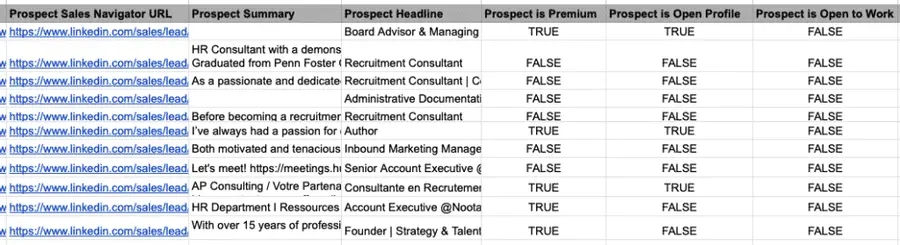
This enriched data can now be directly imported into your CRM or other prospecting workflows.
Alternatively, you can also use our Linkedin URL Enrichment API to integrate Evaboot’s enrichment power directly into your existing workflows. The API is perfect if you want to automate enrichment at scale without manually uploading files.
Benefits of Using Evaboot for LinkedIn Contact Enrichment
Using Evaboot for LinkedIn contact enrichment offers several advantages that go beyond just saving time. Here’s why it’s a powerful tool to upgrade your lead generation process.
1. Automation and Efficiency
Evaboot automates enrichment, significantly reducing manual data collection. You can even export your leads directly from Sales Navigator, letting teams focus on strategic outreach.
2. High-quality Data
Evaboot ensures accuracy and relevancy by leveraging Sales Navigator data combined with sophisticated scraping methods. It offers verified emails, current job titles, and precise company details.
3. Seamless Integration
Integrating enriched data into your existing workflows or CRM systems is simple. Evaboot’s CSV exports are optimized for easy importation.
Why Should You Enrich LinkedIn Contacts?
B2B data decays by 2.1% per month, meaning 22.5% of your exported leads could be outdated within a year.
Job titles change, companies evolve, and outdated information leads to wasted outreach efforts.
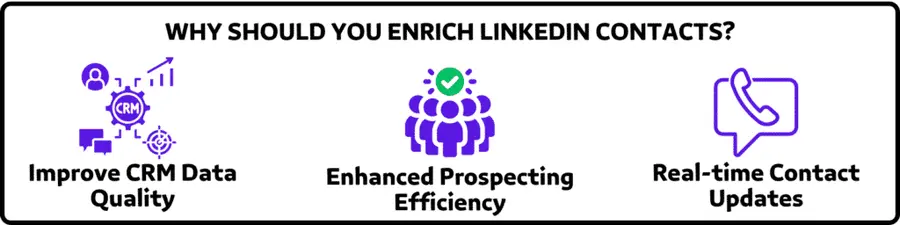
Here are three key reasons why you should make LinkedIn contact enrichment part of your sales routine:
- Improve CRM Data Quality
- Enhanced Prospecting Efficiency
- Real-time Contact Updates
1. Improve CRM Data Quality
Keeping your CRM data clean and updated with regular enrichment ensures all information is accurate and actionable.
This eliminates outdated data issues such as incorrect job titles, obsolete emails, or wrong company information.
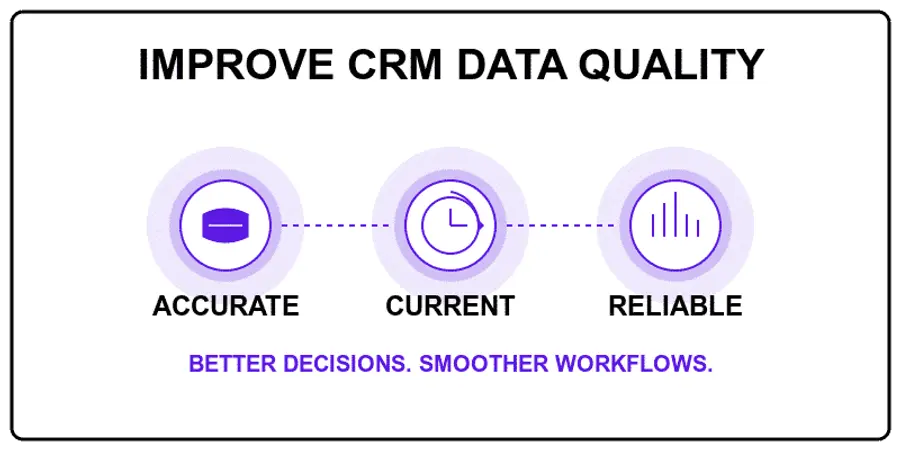
Your sales and marketing teams will have reliable insights, enabling more informed decision-making and smoother workflows.
2. Enhanced Prospecting Efficiency
Accurate, enriched data directly improves your outreach performance.
With up-to-date verified email addresses and current company information, you’ll experience fewer bounced emails and fewer wasted outreach attempts.
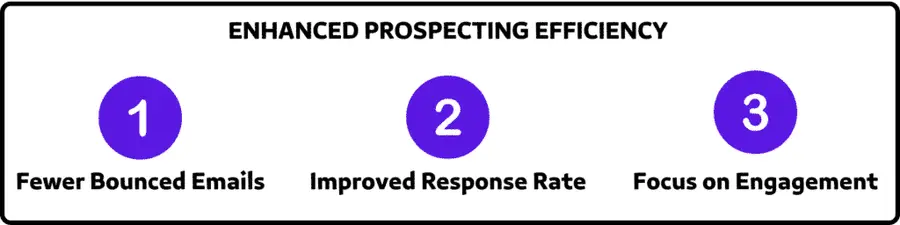
Better data means your sales reps spend more time engaging with prospects instead of chasing incorrect leads, leading to improved productivity and higher response rates.
3. Real-time Contact Updates
Continuous enrichment ensures your outreach is timely and relevant, reflecting any changes in your contacts’ professional situations.
We recommend updating your lead lists every 3-6 months to maintain accuracy. This ensures your database stays fresh, so your sales efforts never go to waste.
Conclusion
With Evaboot’s URL Enrichment feature, enriching your LinkedIn contacts becomes straightforward and efficient. Boost your outreach by leveraging high-quality, accurate data.
Sign up for Evaboot and experience streamlined LinkedIn contact enrichment today.
FAQ
Why Evaboot can’t enrich LinkedIn Public URLs?
Evaboot gets all the data from LinkedIn Sales Navigator to provide detailed and accurate enrichment results. But LinkedIn Public URLs can’t be converted into Sales Navigator URLs.
How long does it take to enrich contacts using Evaboot?
The enrichment process typically takes only a few minutes, even for large lists, making Evaboot highly efficient for sales and marketing teams.
Are the emails provided by Evaboot verified?
Yes, Evaboot provides verified professional email addresses to ensure accurate and actionable contact information for your outreach campaigns.
Can I directly import enriched data into my CRM?
Absolutely! Evaboot exports enriched data as CSV files, making it easy and seamless to import directly into your CRM or outreach platforms.
What happens to other columns of my file?
The other columns of your file that you upload with Linkedin URL are added at the end of the file (to the right) after the data exported by Evaboot.


