
30-Second Summary
- CTO mailing lists should be built with verified B2B tools, not bought — accurate, up-to-date data ensures better deliverability and avoids compliance issues.
- Evaboot is ideal for building CTO email lists from LinkedIn Sales Navigator, offering verified emails, enrichment, and easy export for targeted outreach.
- Apollo.io and ZoomInfo provide extensive CTO databases with advanced filters, technographic data, and integrations for sales workflows.
- Tools like Kaspr, Cognism, and Clearbit focus on GDPR/CCPA compliance and deliver high-precision Chief Technology Officer emails.
- When choosing a provider, assess data accuracy, segmentation, pricing structure, CRM/API integrations, and customer support to ensure ROI.
CTO email list isn’t just another database: it’s your gateway to connecting with the people who make the biggest tech decisions in a company.
Instead of buying outdated CTO mailing lists filled with bounced emails and legal headaches, top-performing sales teams now use specialized tools to build compliant, accurate, and targeted chief technology officer email lists.
Whether you’re selling SaaS, IT services, or enterprise tech, the right platform lets you identify verified CTO contacts by company size, tech stack, location, or industry.
In this guide, we’ll walk you through the best tools and methods to create a CTO mailing list that actually drives results.
Here’s what you’ll find:
- 10 Best CTO Mailing Lists
- What is a CTO Email List?
- What is a CTO Email List?
- How to Choose the Best CTO Email List
Let’s dive in.
10 Best CTO Mailing Lists
Choosing the right provider can significantly impact your marketing efforts. Here are the leading platforms offering CTO email lists.
- Evaboot
- ZoomInfo
- Apollo.io
- Kaspr
- Clearbit
- Hunter.io
- Lusha
- RocketReach
- Cognism
- LeadIQ
1. Evaboot
Evaboot is a Chrome-based tool that exports leads from LinkedIn Sales Navigator. It’s particularly useful for building highly targeted CTO contact lists with accurate email data.
Key Features:
- Export Leads: Export lists and searches from Sales Navigator to CSV.
- Email Finder: Use scraping and email finder algorithms to find professional emails.
- Email Verifier: Test all emails found to verify their existence.
- Clean Data: Automatically clean names, job titles, and company names.
- Filter Leads: Verify if your leads match your Sales Navigator search filters.
Pros:
- Very easy to use
- High deliverability through real-time verification
- Ideal for LinkedIn-based prospecting
- Saves hours on manual data cleaning
Cons:
- Limited to Sales Navigator users
- No outreach automation features
Pricing: Starts at $9/month (credits-based model)
2. ZoomInfo
ZoomInfo is one of the most comprehensive B2B intelligence platforms. It offers verified CTO emails, firmographics, and intent data to power your outbound campaigns.
Key Features:
- 100M+ B2B contacts globally
- Advanced filters by tech stack, revenue, role, etc.
- Intent data to detect in-market buyers
- Deep CRM and marketing automation integrations
Pros:
- Enterprise-grade data depth
- Strong for Account-Based Marketing (ABM)
- Real-time enrichment and signals
Cons:
- High cost for small teams
- Custom pricing can lack transparency
Pricing: Starts around $15,000/year (custom quote)
3. Apollo.io
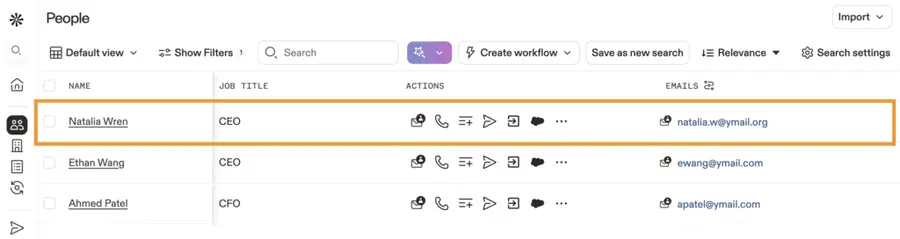
Apollo.io combines a contact database with a powerful sales engagement platform. It lets you search for CTOs and reach out through automated sequences in the same interface.
Key Features:
- 250M+ contacts with real-time verification
- Built-in email + call outreach
- Filters by role, company tech stack, funding, etc.
- Chrome extension for LinkedIn prospecting
Pros:
- Strong free plan
- Combines search and outreach
- Intuitive UI for teams of any size
Cons:
- Email deliverability may require double-checking
- Monthly credit limits on lower-tier plans
Pricing: Free plan available; paid plans start at $49/month per user
4. Kaspr
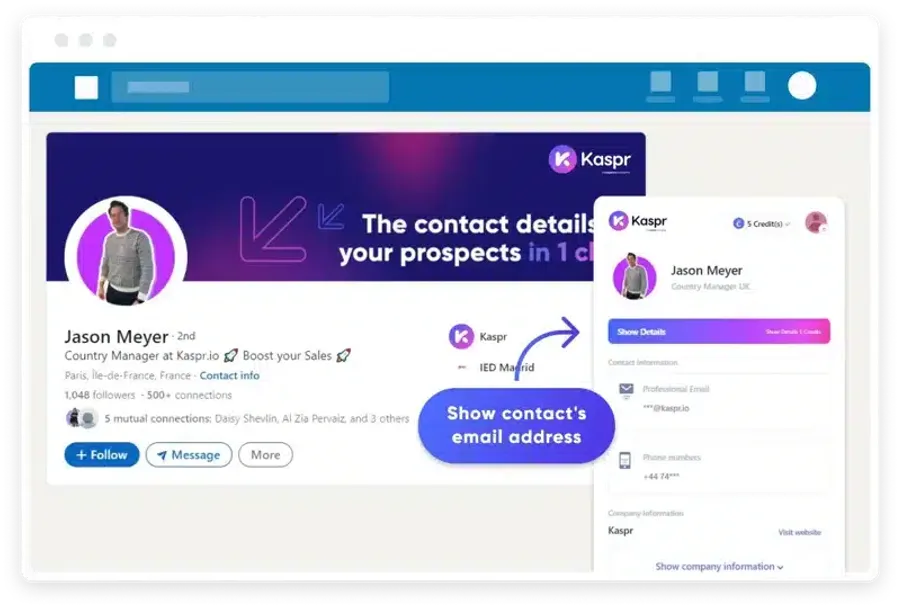
Kaspr is a LinkedIn-based lead generation tool that reveals emails and phone numbers from profiles in one click. It’s ideal for SDRs doing manual prospecting.
Key Features:
- Chrome extension for LinkedIn
- Real-time contact data extraction
- GDPR-compliant database
- Simple team collaboration tools
Pros:
- Quick access to verified CTO contacts
- Easy onboarding for individual users
- GDPR-aligned for European outreach
Cons:
- Not ideal for large-scale prospecting
- Lacks bulk export capabilities
Pricing: Free plan available; paid plans start at €45/month
5. Clearbit
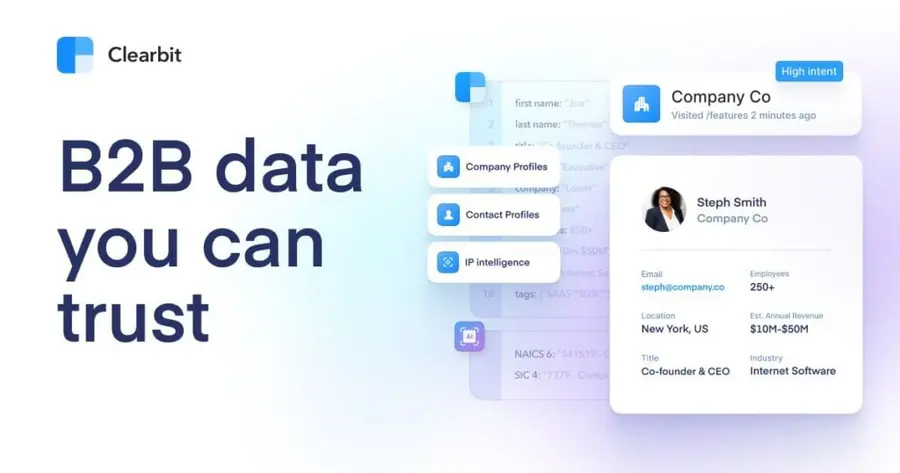
Clearbit is a data enrichment tool designed for real-time lead intelligence. It’s great for identifying CTOs and enriching existing contacts with firmographic and technographic data.
Key Features:
- Real-time enrichment API
- Identify anonymous website visitors
- Segment by role, company size, tech stack
- Integrates with CRMs and CDPs
Pros:
- Great for inbound-focused teams
- Ideal for personalization and scoring
- Developer-friendly API
Cons:
- Not designed for cold outreach
- Requires a marketing or dev team to unlock full value
Pricing: Custom quote (based on usage and company size)
6. Hunter.io
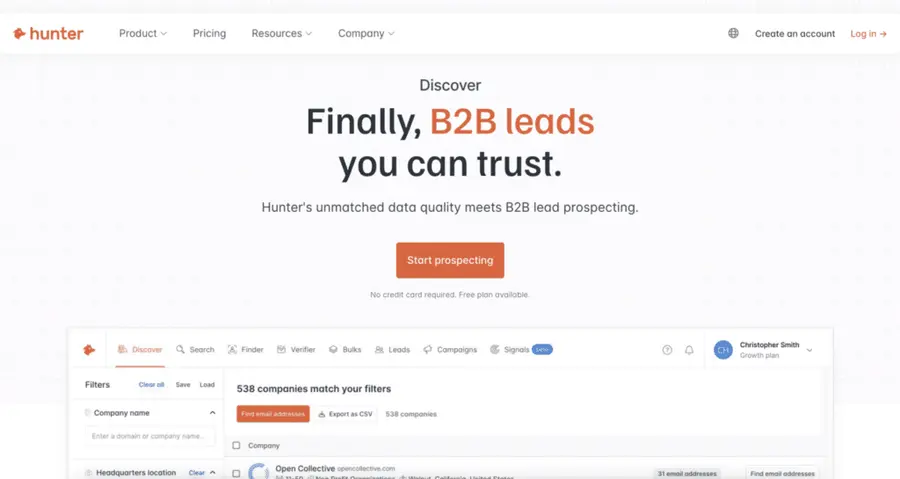
Hunter.io is a popular tool for finding and verifying professional emails based on domain searches. It’s a great choice for identifying CTOs at specific companies.
Key Features:
- Domain search for company-wide emails
- Bulk email finder and verifier
- Chrome extension for in-browser use
- Google Sheets integration
Pros:
- Clean and simple interface
- Good for cold outreach workflows
- Free plan available
Cons:
- No role-based filtering
- Not built for outbound automation
Pricing: Free plan available; paid plans start at $34/month
7. Lusha
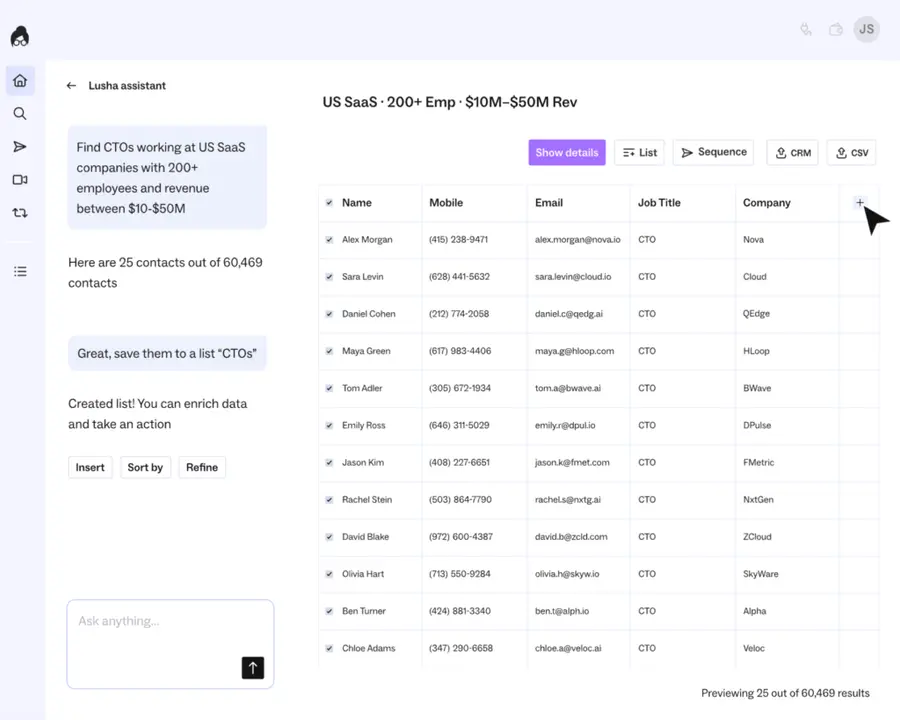
Lusha provides verified contact and company data directly from LinkedIn and across the web. It’s widely used by sales teams for its accuracy and CRM integrations.
Key Features:
- Email and phone number lookup
- Chrome extension for LinkedIn and websites
- Salesforce, HubSpot, Outreach integrations
- GDPR & CCPA-compliant
Pros:
- Fast, reliable data
- Good for international outreach
- Simple to use
Cons:
- Limited free usage
- Narrower filters than competitors like ZoomInfo
Pricing: Free plan available; paid plans start at $29/month
8. RocketReach
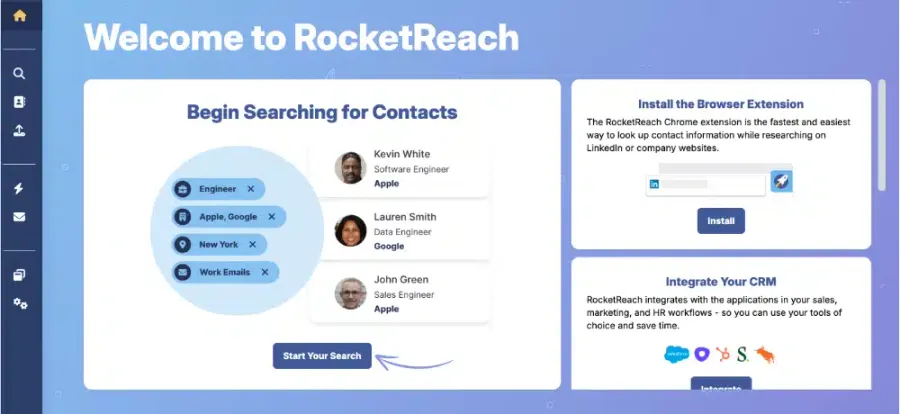
RocketReach offers deep coverage of professional contacts across industries. You can search by job title, company domain, or name to find CTOs and their emails.
Key Features:
- 700M+ professionals and 35M+ companies
- Email + phone + social profile data
- Chrome extension for LinkedIn and websites
- API access for integration
Pros:
- Solid for executive-level targeting
- Supports bulk enrichment
- Global contact database
Cons:
- No outbound sequencing tools
- Accuracy can vary by industry
Pricing: Free searches available; paid plans start at $39/month
9. Cognism
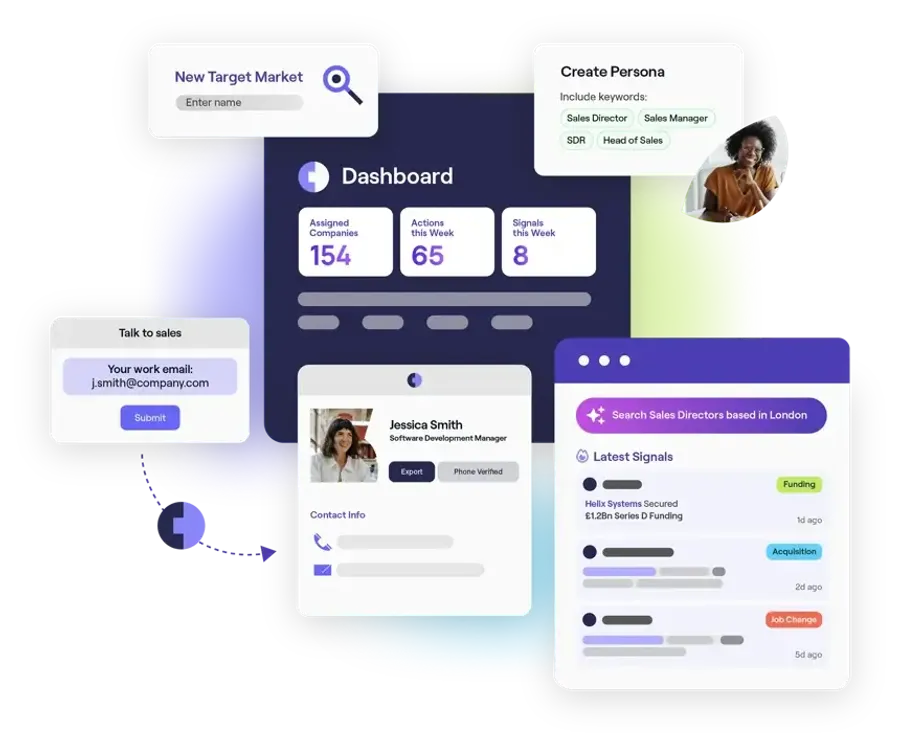
Cognism is a GDPR-compliant data provider that emphasizes quality and compliance. It’s especially strong in EMEA markets and offers direct dial numbers along with emails.
Key Features:
- GDPR/CCPA-compliant global database
- Diamond Data® for verified mobile numbers
- Intent signals + buying triggers
- CRM + sales engagement integrations
Pros:
- Excellent data for EMEA
- Strong support and onboarding
- Focus on data compliance
Cons:
- Higher entry price
- Credit usage can run out quickly
Pricing: Custom quote based on team size and usage
10. LeadIQ
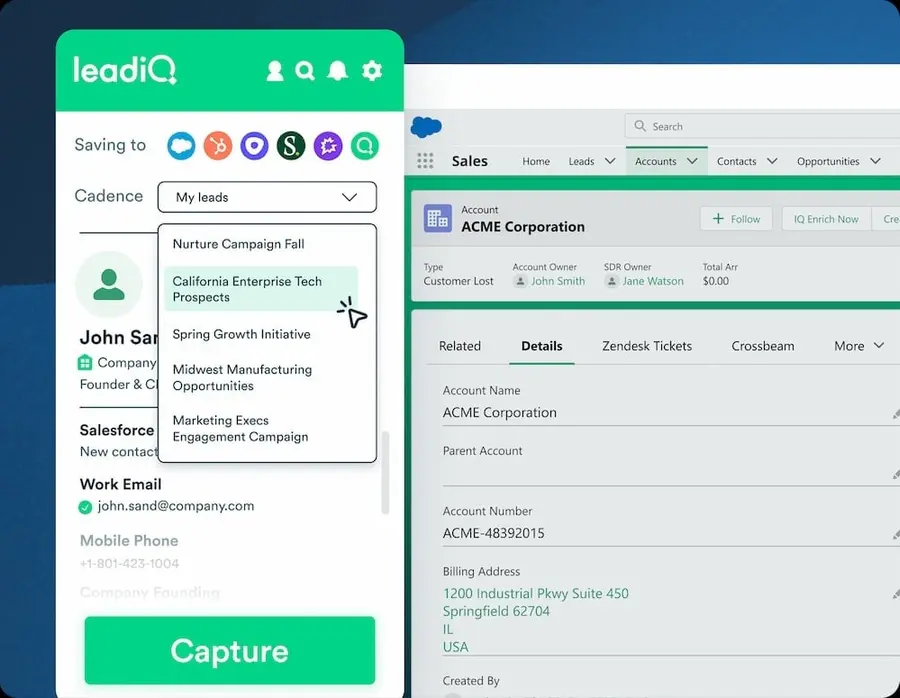
LeadIQ helps SDRs and sales teams capture leads in real-time and push them directly to your CRM. It’s built for speed and outbound workflows.
Key Features:
- Chrome extension for LinkedIn and other sites
- Real-time contact capture and verification
- Native integrations with Salesforce, Outreach, and HubSpot
- Team collaboration features
Pros:
- Fast, lightweight workflow
- Great for outbound teams
- Clean UI and fast CRM sync
Cons:
- Limited to profile-based capture
- Filtering options are basic
Pricing: Free plan available; paid plans from $39/month
What is a CTO Email List?
A CTO email list is a targeted collection of email addresses belonging to Chief Technology Officers from various companies.
These lists often include additional demographic and firmographic data, such as company name, industry, location, and company size.
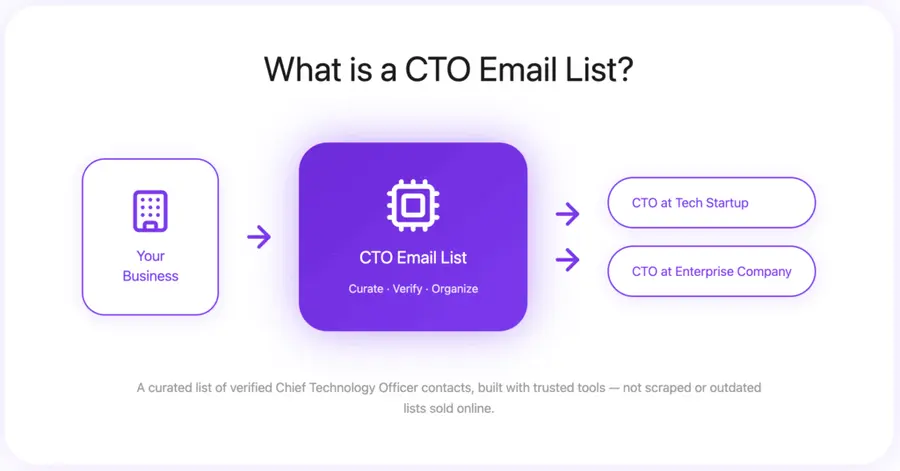
They are specifically designed for businesses aiming to connect with technology decision-makers.
Why Use a CTO Email List?
Using a CTO email list gives you direct access to technology decision-makers — accelerating sales cycles, improving targeting, and opening doors to strategic opportunities.
Here’s what it enables:
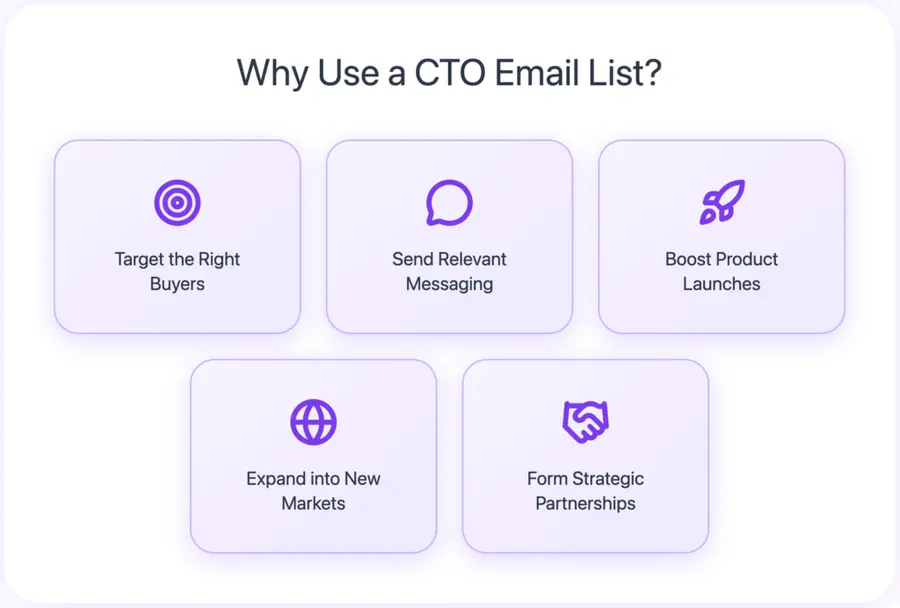
- Target the right buyers: CTOs influence or approve most tech purchases. Email lists help you reach them directly without relying on gatekeepers.
- Send personalized, relevant messaging: Tailor your outreach to their specific tech challenges, increasing response rates and meeting relevance.
- Boost product launches: CTOs are often early adopters. Reaching them early helps validate your offer, collect feedback, and build momentum.
- Expand into new markets: Use filters like location, industry, or tech stack to find CTOs in regions or verticals you want to break into.
- Form strategic partnerships: CTOs can be ideal contacts for integrations, co-marketing, or long-term product collaboration.
How to Choose the Best CTO Email List
Selecting the right CTO email list requires careful consideration of several factors to ensure effectiveness and a strong return on investment.
Here’s what to look for when evaluating providers:
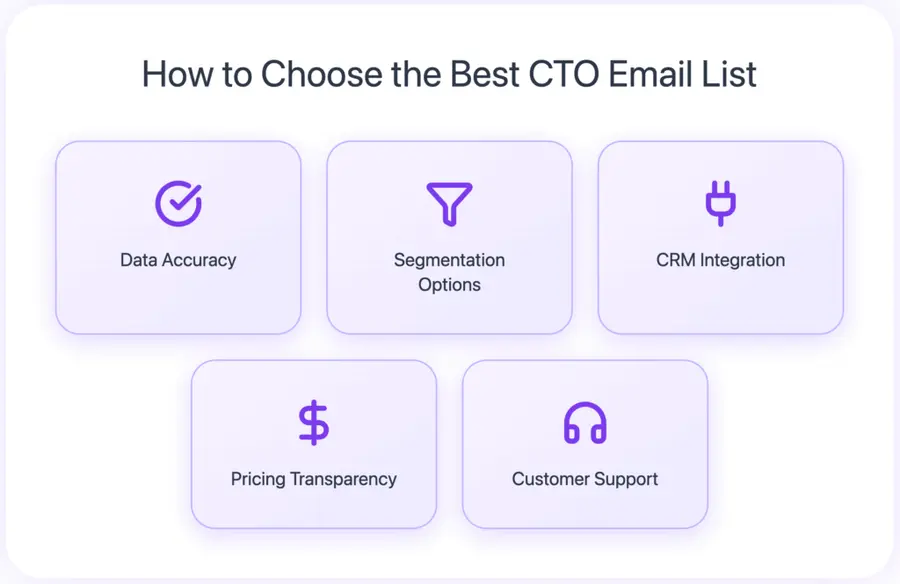
- Data Accuracy: Ask about verification processes and bounce rate guarantees. Poor-quality data = high bounce rates and wasted effort.
- Filtering Options: The more precise the filters (industry, company size, tech stack, region…), the more relevant your outreach.
- Additional Data Fields: Go beyond email. Look for extras like job title, company URL, or LinkedIn profile to personalize effectively.
- Pricing Transparency: Understand how the provider charges — subscriptions, credits, tiers — and watch for hidden export or feature fees.
- CRM & Tool Integration: Choose a platform that integrates with your existing stack (Salesforce, HubSpot, Marketo…) to keep your workflow smooth.
- API Access: If you need custom automation, make sure the provider offers an open API.
- Customer Support: Fast, helpful support is crucial. Look for providers with responsive service, onboarding resources, and live help.
Conclusion
Selecting the right CTO email list provider is a strategic decision that can significantly enhance your outreach efforts.
Focus on providers known for data accuracy, comprehensive customization options, transparent pricing, robust integration capabilities, and excellent customer support.
By prioritizing these factors, you can build a highly effective marketing and sales pipeline, connecting directly with the technology leaders who matter most to your business.
FAQ
Are CTO email lists legal?
Yes, CTO email lists are legal, provided they are acquired and used in compliance with data privacy regulations such as GDPR, CCPA, and CAN-SPAM.
Reputable providers ensure their data collection methods adhere to these laws, often focusing on publicly available information or opt-in consent where necessary.
How often are these lists updated?
The frequency of updates varies by provider, but leading services update their lists continuously or at least quarterly.
This ensures high data accuracy and reduces bounce rates. Ask potential providers about their specific update cycles and data verification processes.
Can I get a free sample of a CTO email list?
Many providers offer free trials or sample data sets.
These typically include a limited number of credits or contacts, allowing you to test data accuracy and platform features before committing to a purchase.
Use these samples to evaluate the quality and relevance of the data.
What is the average cost of a CTO email list?
The cost of a CTO email list varies significantly based on the provider, the number of contacts, the level of data enrichment, and the subscription model.
Prices can range from tens to thousands of dollars per month or per one-time purchase, depending on your specific needs and the scale of the list.
How can I verify the accuracy of the emails?
You can verify email accuracy by:
• Using built-in verification tools offered by the list provider.
• Employing third-party email verification services (e.g., NeverBounce, ZeroBounce) before sending campaigns.
• Monitoring bounce rates during your initial outreach. High bounce rates indicate poor data quality.


