
30-Second Summary
- CRO email lists are best built using modern tools like Evaboot, Apollo, and ZoomInfo — not outdated static spreadsheets — to ensure verified data and reach real revenue decision-makers.
- Evaboot is ideal for CRO list building via LinkedIn Sales Navigator, offering clean exports, verified emails, and fast filtering based on your target criteria.
- Apollo.io and ZoomInfo combine massive CRO databases with advanced filters, sequencing tools, and CRM integrations to streamline outbound campaigns.
- Use providers with strong filtering, real-time email verification, and CRM integration to build a CRO mailing list that drives engagement, shortens deal cycles, and improves outbound ROI.
Looking to build a CRO email list, but tired of bounce rates, bad data, or generic B2B contacts?
If you’re selling sales tech, data platforms, or consulting services, your real buyers sit at the top: the Chief Revenue Officers.
And yet, most outreach fails because you’re either targeting the wrong titles, or your CRO mailing list is outdated and unreliable.
Today, high-performing B2B teams use intelligent B2B prospecting tools to build their own mailing list.
This guide cuts through the noise and shows you how to build a clean, accurate CRO email list using trusted tools.
Here’s what we’ll cover:
- Top 10 CRO Email List Providers
- What is a CRO Email List?
- Why Use a CRO Email List?
- How to Choose a CRO Email List Provider
Let’s dive in.
Top 10 CRO Email List Providers
Here are the top platforms to help you build and verify CRO contact lists effectively:
- Evaboot
- ZoomInfo
- Apollo.io
- Lusha
- Snov.io
- RocketReach
- Clearbit
- Skrapp.io
- SalesIntel
- Hunter.io
1. Evaboot
Evaboot is the fastest way to build a clean, verified CRO email list using LinkedIn. It helps you build targeted CRO email lists by exporting leads directly from Sales Navigator.
Key Features:
- Export Leads: Export lists and searches from Sales Navigator to CSV.
- Email Finder: Utilize scraping and email finder algorithms to find professional emails.
- Email Verifier: Test all emails found to verify their existence.
- Clean Data: Automatically clean names, job titles, and company names.
- Filter Leads: Verify if your leads match your Sales Navigator search filters.
Pros:
- Excellent for LinkedIn-based prospecting
- Easy-to-use interface for fast list building
- Affordable for solo reps and small teams
- Help you save hours on manual data cleaning
Cons:
- Limited to LinkedIn-based leads
- No outreach automation or CRM integration
Pricing: Starts at $9/month (credits-based).
2. ZoomInfo
ZoomInfo is a B2B data giant — offering one of the largest and most frequently updated CRO contact databases. It’s built for large teams that need access to verified emails, firmographics, and intent data at scale.
Key Features:
- 100M+ professional contacts including CROs
- Role-based and firmographic segmentation
- Intent data to find in-market revenue leaders
- Integrations with Salesforce, HubSpot, Outreach, and more
Pros:
- Massive dataset with verified emails and direct dials
- Excellent for enterprise revenue teams
- Helps prioritize CROs researching your solution
Cons:
- Expensive for small teams
- Requires training to fully unlock all features
Pricing: Custom quote (starts around $15,000/year)
3. Apollo.io
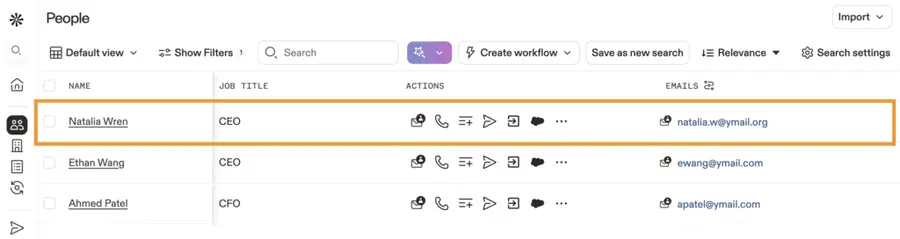
Apollo.io is a sales engagement and lead generation platform with a robust CRO database. It combines prospecting, sequencing, and analytics — making it an all-in-one tool for revenue operations teams.
Key Features:
- 260M+ contacts with 65+ advanced filters
- Email and phone verification
- Built-in email sequences and A/B testing
- Chrome extension for LinkedIn prospecting
Pros:
- Combines CRO data and outreach in one tool
- Free plan available for testing
- Great for scaling outbound efficiently
Cons:
- Some CRO data requires re-verification
- Usage limits on free and lower-tier plans
Pricing: Free plan available; paid plans start at $49/month
4. Lusha
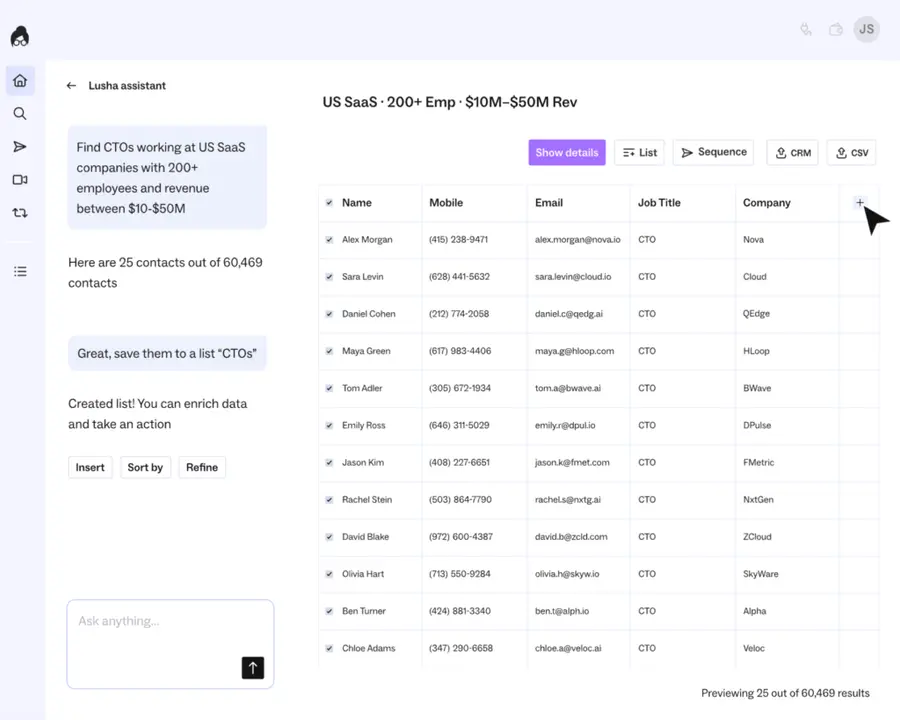
Lusha is a fast, easy-to-use B2B contact discovery tool — ideal for grabbing CRO contact data from LinkedIn or company websites on the fly.
Key Features:
- Chrome extension for LinkedIn + websites
- Verified CRO emails and phone numbers
- Integrations with Salesforce, HubSpot, Pipedrive
Pros:
- Great for real-time CRO lookups
- Very user-friendly for SDRs and AEs
- Strong compliance focus (GDPR/CCPA)
Cons:
- Not ideal for large-scale list building
- Limited segmentation compared to ZoomInfo or Apollo
Pricing: Free plan available; paid plans start at $29/month
5. Snov.io
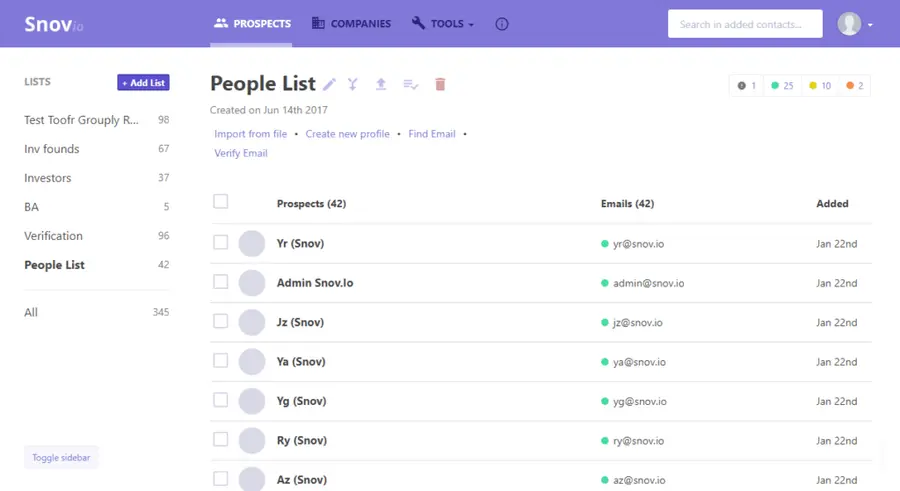
Snov.io offers a full suite of tools for outbound prospecting — from finding and verifying CRO emails to running drip campaigns.
Key Features:
- Find CROs by company size, industry, title
- Real-time email verification
- CRM integrations and email drip campaigns
- Technographic and firmographic filters
Pros:
- Great for multi-step CRO outreach
- Email automation included
- Data quality is solid and actively refreshed
Cons:
- UI can be overwhelming for new users
- Some features are gated by plan tiers
Pricing: Free trial; paid plans from $39/month
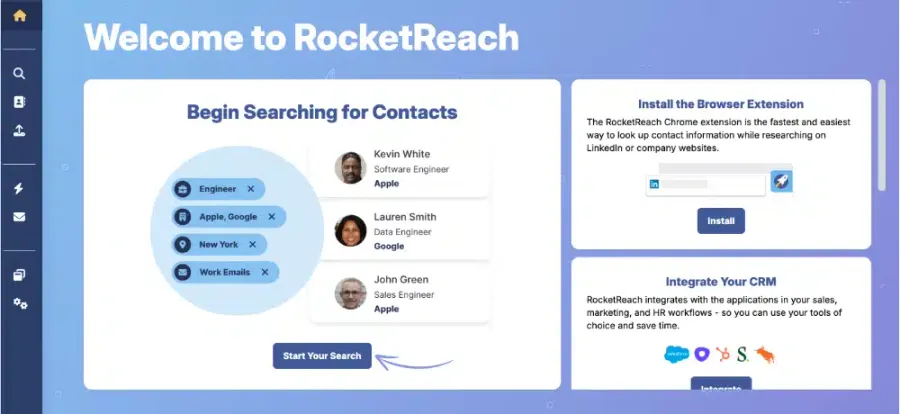
6. RocketReach
RocketReach provides access to millions of professionals with verified emails and direct dials — great for identifying CROs across different verticals.
Key Features:
- Search by role, company, domain, or industry
- Email + phone data
- Chrome extension for LinkedIn and company sites
- API and bulk export options
Pros:
- Large, multi-industry CRO database
- Simple, intuitive UI
- Affordable for SMBs and startups
Cons:
- Filters are less advanced than Apollo or ZoomInfo
- Manual cleanup may be required on bulk lists
Pricing: Paid plans from $39/month
7. Clearbit
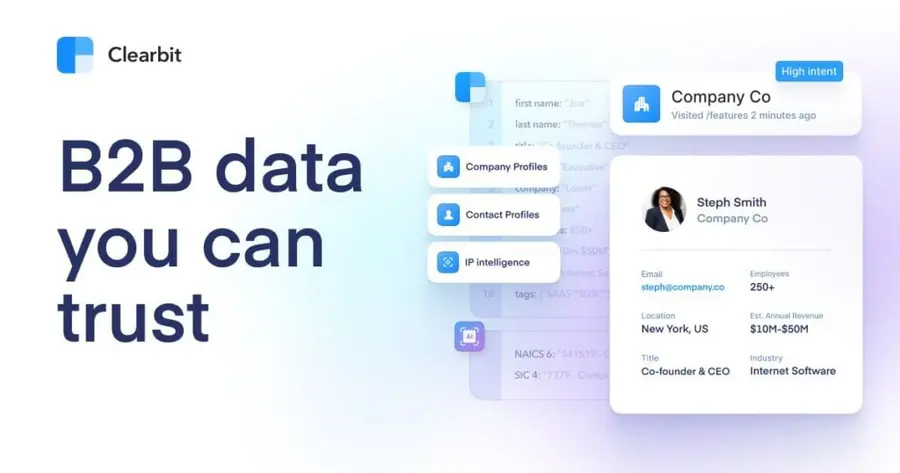
Clearbit enriches your lead and account data with real-time CRO contact info, firmographics, and technographics — perfect for ABM and marketing ops teams.
Key Features:
- CRO contact enrichment via API
- Reveal company data from anonymous traffic
- Filter by title, company size, industry, and tech stack
- Integrations with Salesforce, Segment, Marketo, and more
Pros:
- Powerful for CRO list enrichment and personalization
- Great for ABM and growth marketing
- Works in real time
Cons:
- Requires developer or ops team for setup
- Expensive for small teams
Pricing: Custom (typically $12K+/year)
8. Skrapp.io
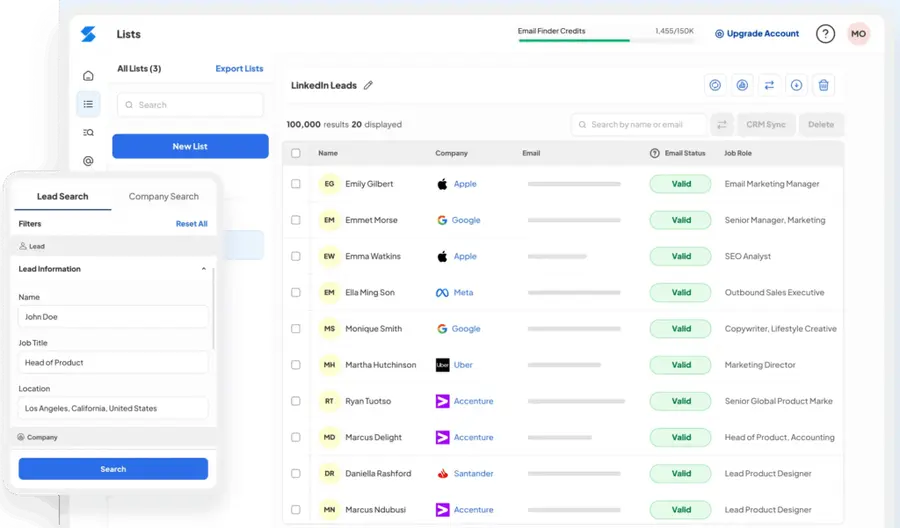
Skrapp is a Chrome extension that pulls CRO emails from LinkedIn and company websites. Ideal for solo reps and recruiters doing targeted prospecting.
Key Features:
- LinkedIn email scraper
- Domain Search and Bulk Finder
- Email verifier included
- CSV export
Pros:
- Great for CRO LinkedIn prospecting
- Simple UX and fast results
- Affordable for small teams
Cons:
- No outreach or CRM tools
- Limited targeting filters
Pricing: Free plan; paid plans from $49/month
9. SalesIntel
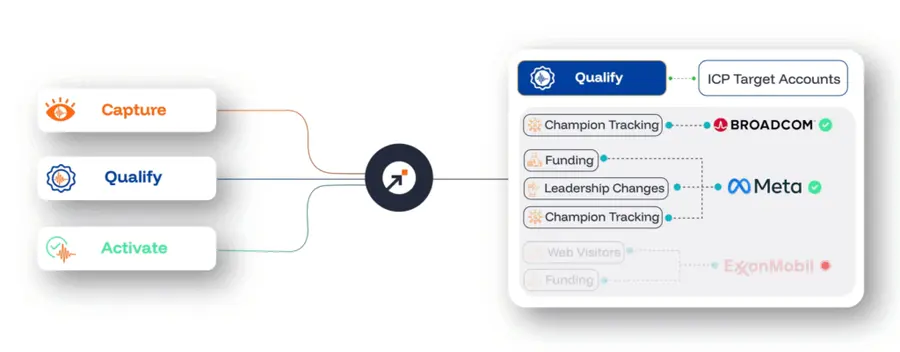
SalesIntel offers human-verified CRO contact data with an emphasis on accuracy, compliance, and technographic/intent insights. It’s ideal for teams that prioritize quality over quantity in their outbound strategy.
Key Features:
- 95% human-verified CRO emails and direct dials
- Advanced filters: industry, revenue, employee size, tech stack
- Intent data from Bombora to identify in-market CROs
- RevDriver Chrome extension for LinkedIn and web enrichment
- Integrations with Salesforce, HubSpot, Outreach, and more
Pros:
- Exceptionally accurate CRO contact data
- On-demand research for hard-to-find CRO leads
- Ideal for enterprise ABM and targeted sales motions
- Responsive support and US-based data team
Cons:
- Smaller database compared to ZoomInfo
- Pricing suited to mid-market and enterprise teams
Pricing: Custom pricing based on seats and usage volume
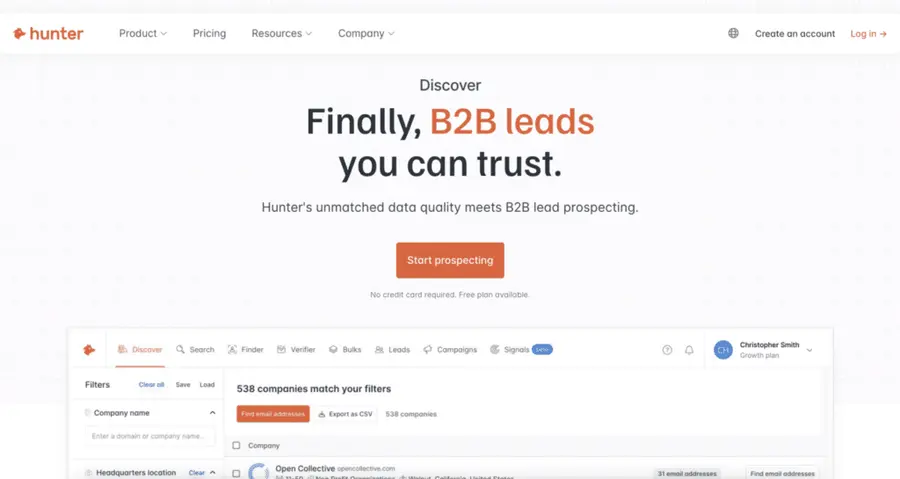
10. Hunter.io
Hunter.io is a domain-based email discovery tool. It’s perfect if you already know which CROs or companies you want to reach and need to confirm emails quickly.
Key Features:
- Email Finder by name + domain
- Bulk search and email verifier
- Domain Search to reveal company-wide emails
- Google Sheets add-on and browser extension
Pros:
- Excellent for confirming CRO emails
- Bulk tools make cleanup easy
- Cost-effective for small teams
Cons:
- Not ideal for discovery if you don’t know who to target
- Doesn’t include CRM integrations or outreach tools
Pricing: Free plan available; paid plans from $34/month
What is a CRO Email List?
A CRO email list is a curated collection of verified email addresses and contact details for Chief Revenue Officers — the C-level executives responsible for overseeing sales, marketing, RevOps, and growth strategy.
Unlike outdated B2B databases or static spreadsheets, modern CRO mailing lists are built using real-time prospecting tools like Evaboot, Apollo, and ZoomInfo.
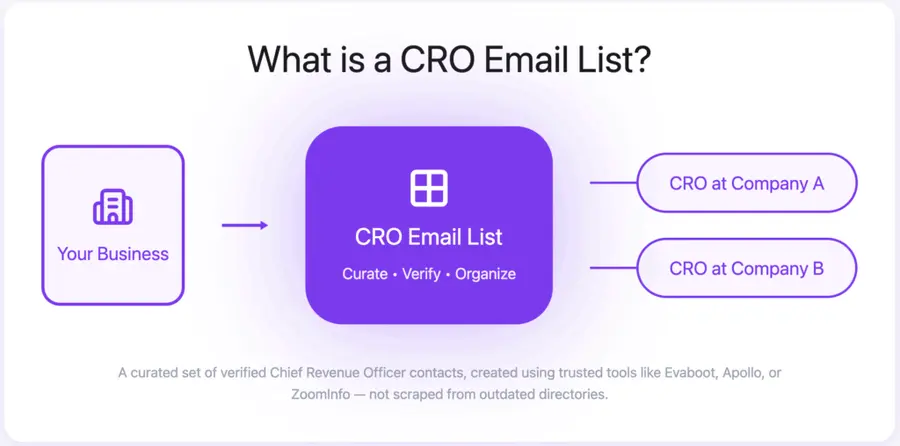
Since CROs play a critical role in evaluating tools that drive pipeline and revenue, having direct access to them is essential for B2B teams selling sales tech, data platforms, consulting services, or anything tied to GTM performance.
Why Use a CRO Email List?
Using a CRO email list gives your team a way to connect directly to the decision-makers responsible for revenue growth, sales strategy, and go-to-market execution.
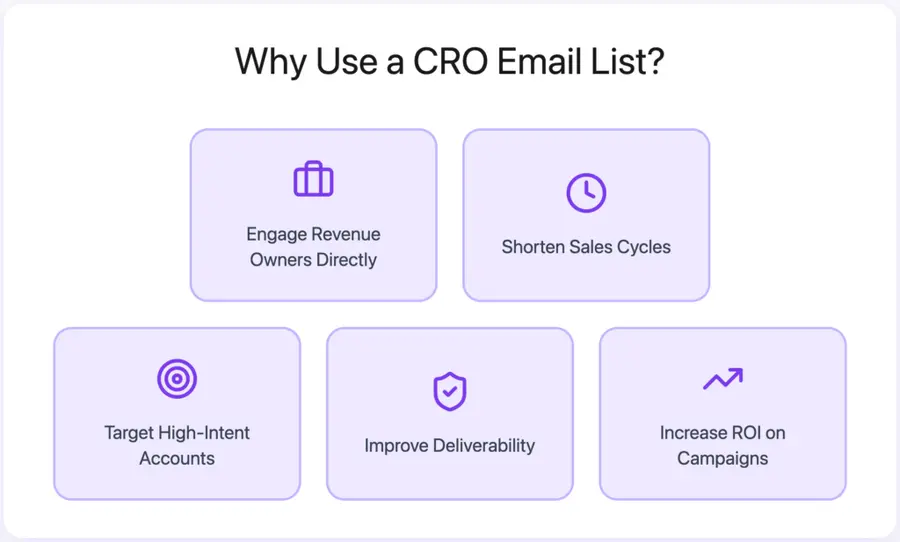
- Engage Revenue Owners Directly: CROs oversee everything from sales to RevOps, making them key buyers for GTM software, data tools, and advisory services.
- Shorten Sales Cycles: Skip layers of middle management and connect with the executive who can say “yes” — or bring the right stakeholders to the table.
- Target High-Intent Accounts: Filter by company size, industry, tech stack, and hiring signals to focus only on CROs who match your ideal customer profile.
- Improve Email Deliverability: Verified emails reduce bounced emails and ensure your messages reach inboxes — not spam folders.
- Increase ROI on Campaigns: Fewer wasted contacts, more relevant leads. CRO mailing lists drive better engagement, conversions, and revenue.
How to Choose a CRO Email List Provider
Not all CRO email list tools are created equal. To connect with top revenue leaders and avoid wasted outreach, pick a provider that prioritizes accuracy, compliance, and smart targeting.
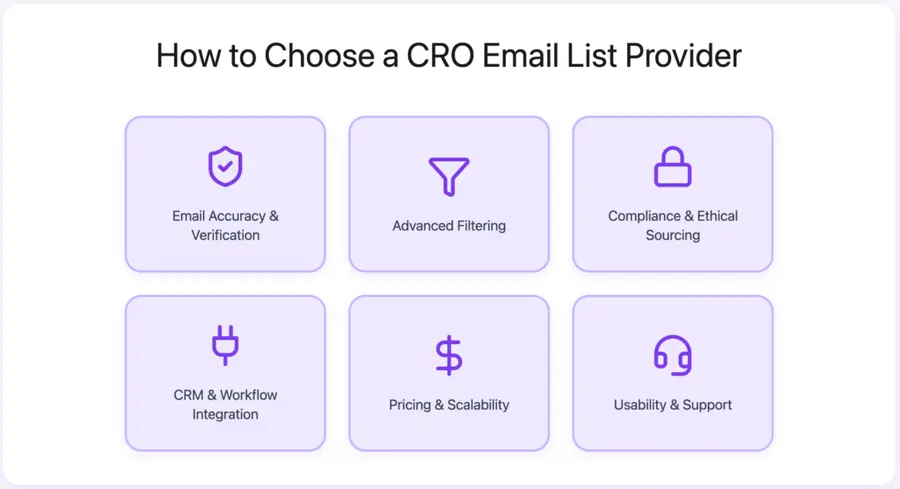
- Email Accuracy & Verification: Look for real-time email verification, low bounce rate guarantees, and clear refresh cycles. If the data isn’t accurate, your outreach won’t land.
- Advanced Filtering: Can you segment by job title (CRO, VP Revenue, Head of Sales), company size, tech stack, or industry? Better filters = better lists.
- Compliance & Ethical Sourcing: Ensure the tool is GDPR and CCPA compliant, with opt-in data or clear sourcing policies. Bad data practices can hurt both deliverability and your brand.
- CRM & Workflow Integration: Tools that sync with platforms like Salesforce, HubSpot, Lemlist, or Outreach save you hours — and reduce errors.
- Pricing & Scalability: Understand the pricing model — is it credit-based, per lead, or subscription? Choose what fits your usage and team size.
- Usability & Support: A clean UI, helpful onboarding, and fast customer support matter — especially if you’re scaling outreach across a team.
Conclusion
Reaching CROs isn’t just about sending more emails: it’s about sending the right message to the right decision-maker, backed by clean, compliant, and verified data.
Skip outdated databases and generic contact dumps. Instead, use tools that give you precision targeting, real-time verification, and CRM-ready integrations.
Choose the right CRO mailing list provider, build high-quality lead lists, and get in front of the executives who actually own the revenue pipeline.
Your next high-value deal could start with a single verified email.
FAQs
Are CRO email lists legal?
Yes, as long as they’re sourced ethically and comply with data protection laws like GDPR (EU), CCPA (California), and CAN-SPAM (U.S.).
Reputable providers like ZoomInfo, Apollo, and SalesIntel source data through public records, business registries, and user opt-ins.
Always double-check the provider’s compliance policies before buying or using any list.
How often are these lists updated?
Top providers typically refresh their CRO email data every 30 to 90 days.
Some tools (like Evaboot or Apollo) also include real-time verification features to check email validity before you export or send.
Stale data can hurt your deliverability, so frequent updates are essential.
What is the average cost of a CRO email list?
Pricing varies by platform and model:
• Freemium tools like Hunter or Apollo offer limited usage for $0–$49/month. • Mid-tier platforms like Lusha, UpLead, or RocketReach start around $30–$100/month. • Enterprise-grade tools like ZoomInfo or SalesIntel typically start at $10,000–$15,000/year with custom pricing.
Look for plans that match your volume needs, CRM integrations, and team size.
How can I verify the quality of the data?
You can verify data quality in a few ways:
• Use built-in email verifiers (Evaboot, Apollo, Snov.io) • Look for bounce rate guarantees or accuracy claims (e.g., SalesIntel’s 95% verification) • Run contacts through third-party email verification tools like NeverBounce or ZeroBounce • Check if titles and companies match your ideal customer profile (ICP) before outreach
A good CRO email list should yield low bounce rates, high open rates, and accurate job titles that align with revenue responsibility.


